 Pixsolo
Free Online Photo Editor
Photo Editor is a free online tool from Pixsolo. Open a JPG, PNG, WebP, HEIC or other photo, then crop, rotate, flip, straighten and resize it, apply one of 9 filters and fine-tune brightness, contrast, saturation and temperature. Add text, rectangles, circles, triangles, lines, arrows, freehand drawings and stickers, pixelate faces, license plates or private chat details, and export as JPG, PNG or WebP. Everything happens in your browser — nothing is uploaded — and it works on your phone too.
Free to use — just sign in. Your images are processed in your browser and never uploaded
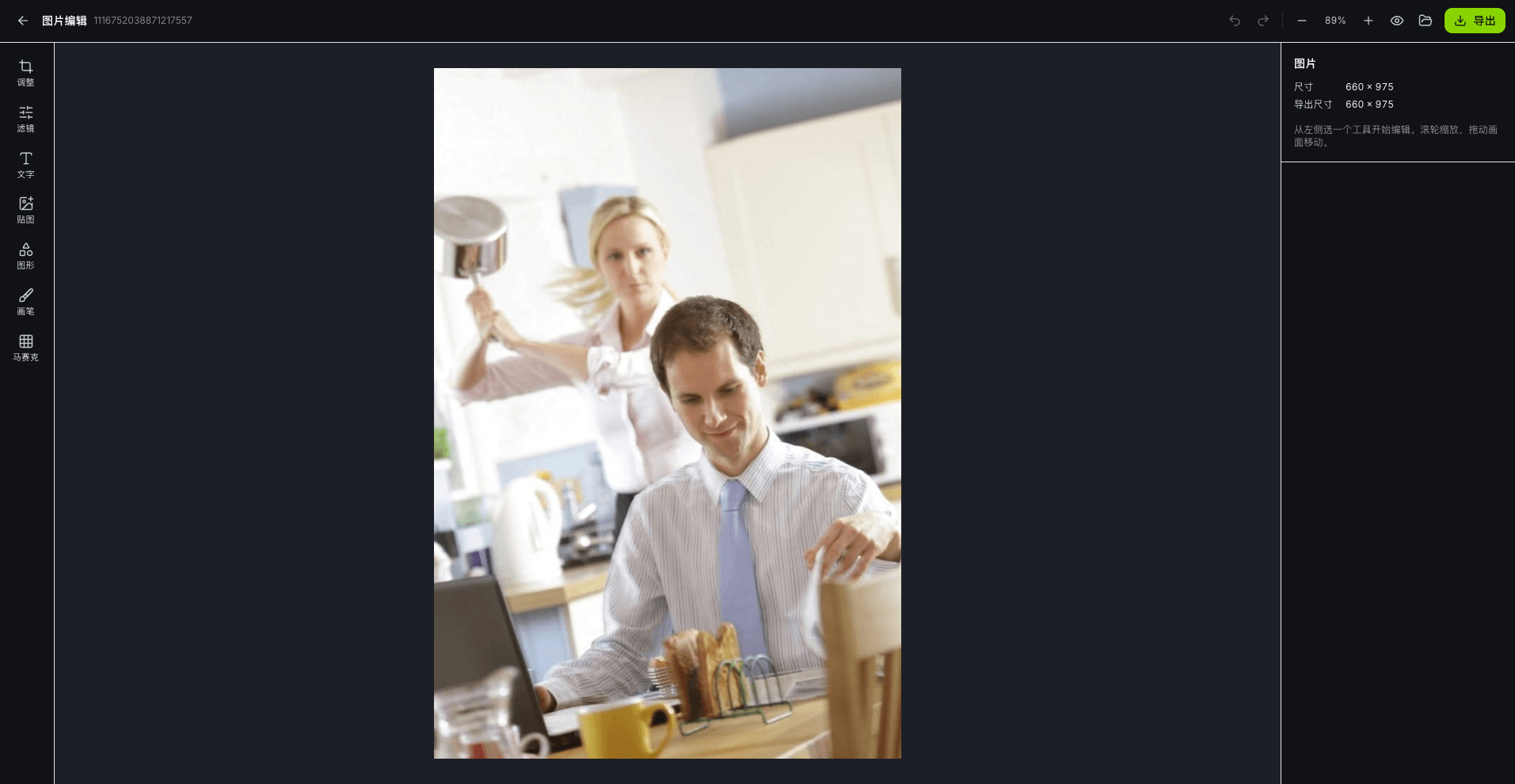
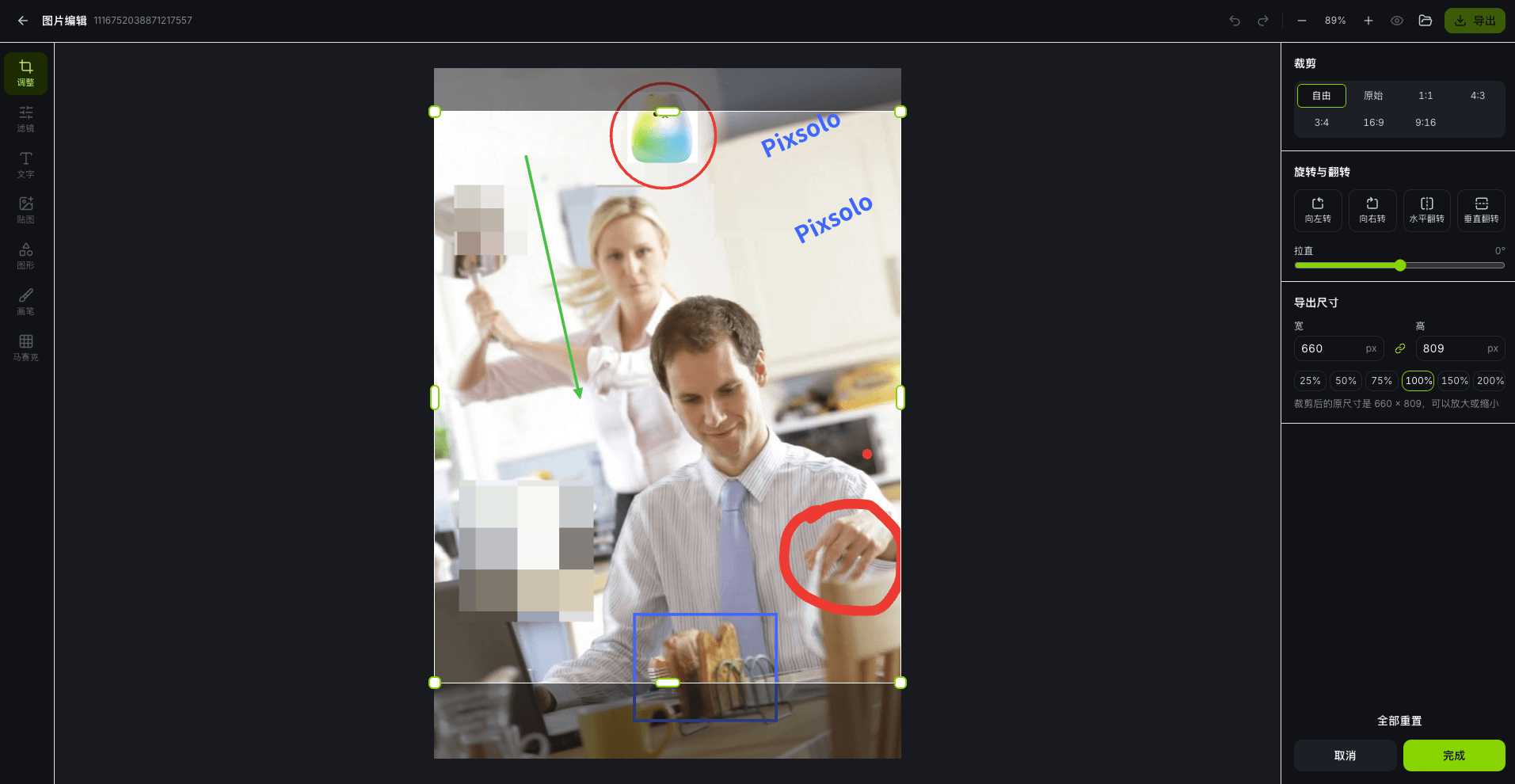
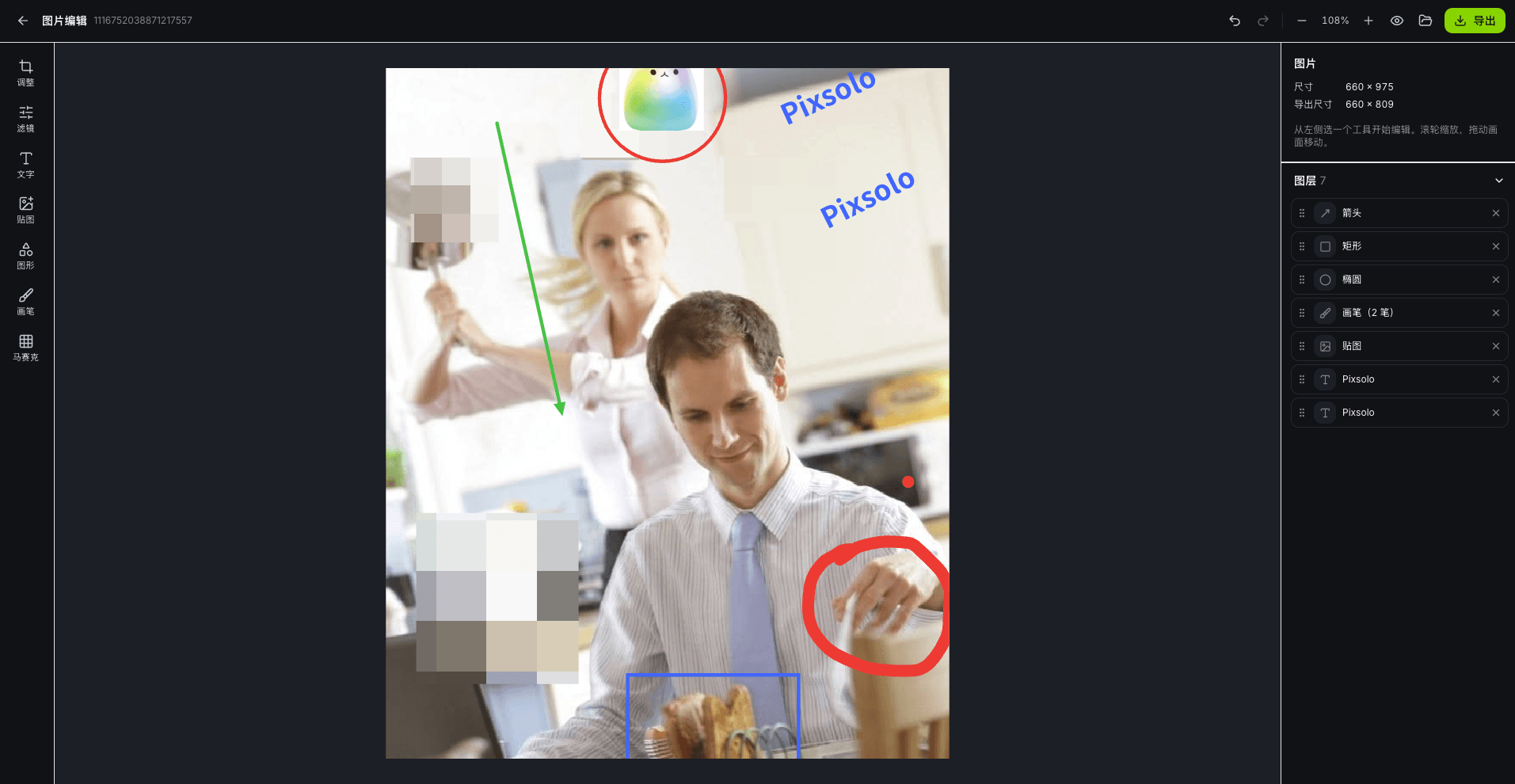
Edit a photo in three steps
- 01
Open a photo
Drag in, paste or choose an image — JPG, PNG, WebP, GIF, HEIC and other common formats. On a phone, pick straight from your photo library.
- 02
Edit
Pick a tool on the left: crop & rotate, filters & color, text, stickers, shapes, brush or mosaic. Every step can be undone, and anything you add can be selected and changed later.
- 03
Export
Choose JPG, PNG or WebP, set quality and size, and get exactly what you see on the canvas.
What you can do
Crop & rotate
Crop freely or to original, 1:1, 4:3, 16:9, 9:16 and more; rotate by 90°, flip horizontally or vertically, and straighten a tilted horizon by up to ±45°.
Resize
Scale by percentage or enter width and height with the aspect ratio locked, and see the final pixel size before you export.
Filters & color
9 filters such as B&W, vintage, nostalgic, film, cool and warm, each with adjustable strength, plus separate brightness, contrast, saturation and temperature sliders.
Text & annotations
Add text with font, size, color, background and alignment; draw rectangles, circles, triangles, lines and arrows, or circle details with the brush — ideal for tutorials and annotated screenshots.
Stickers
Place another image on top — a logo, QR code or stamp — then scale, rotate and adjust its opacity and stacking order.
Mosaic & pixelate
Hide faces, license plates, phone numbers and chat details with a rectangle, ellipse or brush, with adjustable block size. The mosaic is applied to the photo itself and can't be reversed after export.
Your photos never leave your device
Opening, editing and exporting all happen locally in your browser. Nothing is uploaded or stored on our servers, everything is cleared when you close or refresh the page, and you'll be reminded to export before leaving.
FAQ
- Is Photo Editor free?
- Yes. It's free, uses no credits and adds no watermark — just sign in to your Pixsolo account to start.
- Are my photos uploaded?
- No. Your images are processed only in your browser, never sent to a server and never stored. Refreshing the page clears everything.
- Which formats are supported, and how large can an image be?
- You can open JPG, PNG, WebP, GIF (first frame), HEIC, AVIF and BMP, and export JPG, PNG or WebP. On a computer, images can be up to 8192 px on the longest side and 40 megapixels; on a phone, up to 16 megapixels. Larger images are scaled down proportionally before editing, and you'll be told when that happens.
- Does it work on a phone?
- Yes. On phones and tablets the toolbar moves to the bottom, you can pinch to zoom and drag to look around, and HEIC photos taken on an iPhone open directly.
- Can a mosaic be removed after export?
- Not from the exported image. The mosaic rewrites the photo's pixels, so the original content no longer exists in the file. While editing, you can delete or undo it at any time.
More products
- Core toolApp Screenshots MockupStore screenshots, done in four stepsSee full features
- Companion toolAI ImagesFrontier models, every parameter exposedSee full features
- Companion toolRemove BackgroundRemove backgrounds in one click, at full resolutionSee full features
- Companion toolDocument CleanerRemove patterns and shadows for clean, readable documentsSee full features
- Companion toolObject RemoverBox people and clutter, and they're goneSee full features
- Free toolDevice Mockup GeneratorPut images and videos into Apple devicesSee full features
- Free tool3D Device MockupPut screenshots and screen recordings on a 3D phone you can rotateSee full features
- Free toolVideo to GIFTurn any clip into a looping GIFSee full features
Edit a photo now
Get startedFree to use — just sign in. Your images are processed in your browser and never uploaded