 Pixsolo
Put your screenshots and videos into iPhone, iPad and Mac frames
The Device Mockup Generator is a free online tool from Pixsolo. Upload an image or a video, place it in a real Apple device frame such as iPhone, iPad, MacBook, Studio Display, Apple Watch or Apple TV, add a gradient, solid or blurred background plus text and stickers, then export a PNG / JPG image or an MP4 video up to 4K. Everything is processed in your browser and your files are never uploaded.
Free to use: sign in to get started. Your files are processed in your browser and never uploaded.
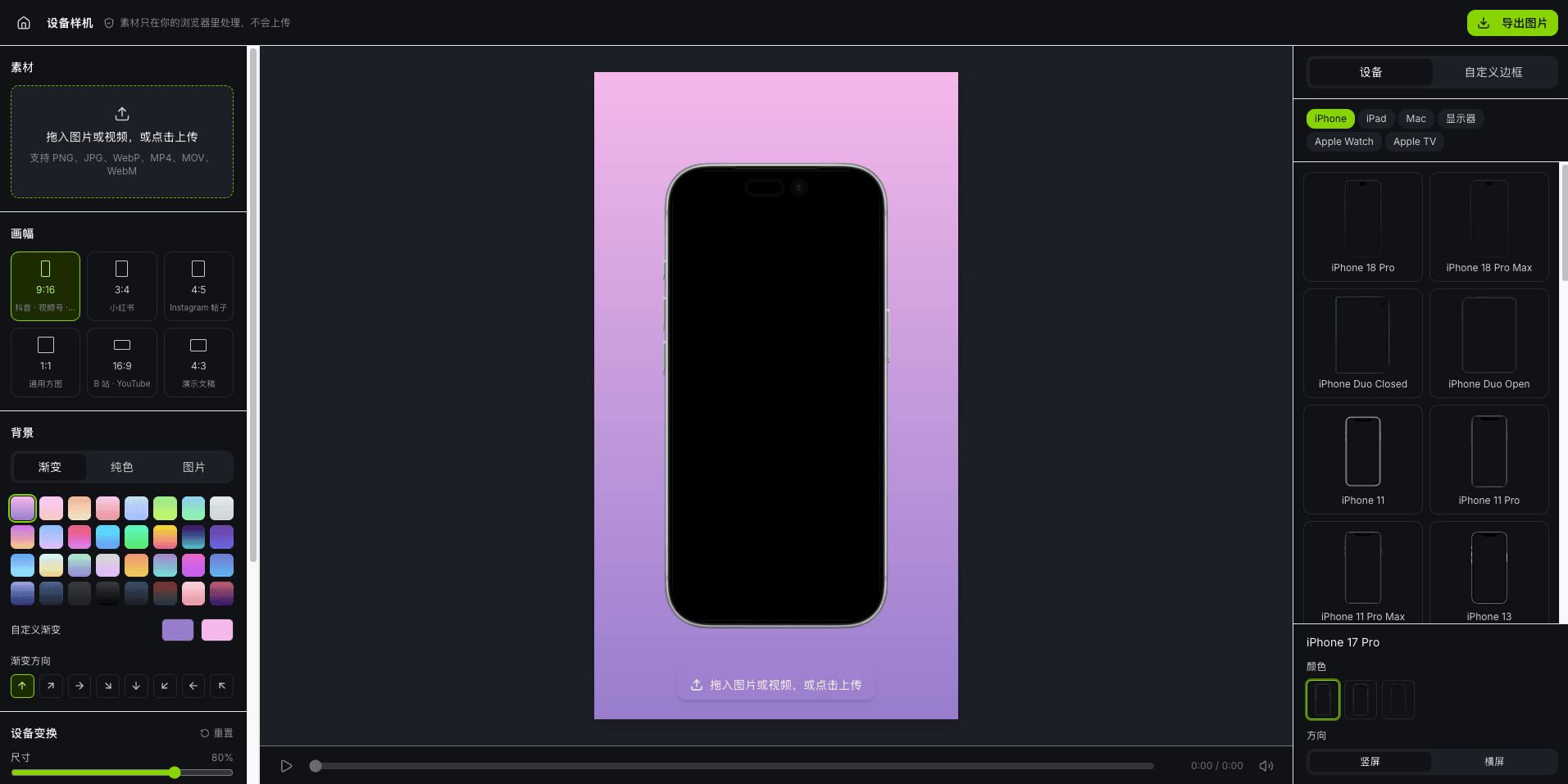
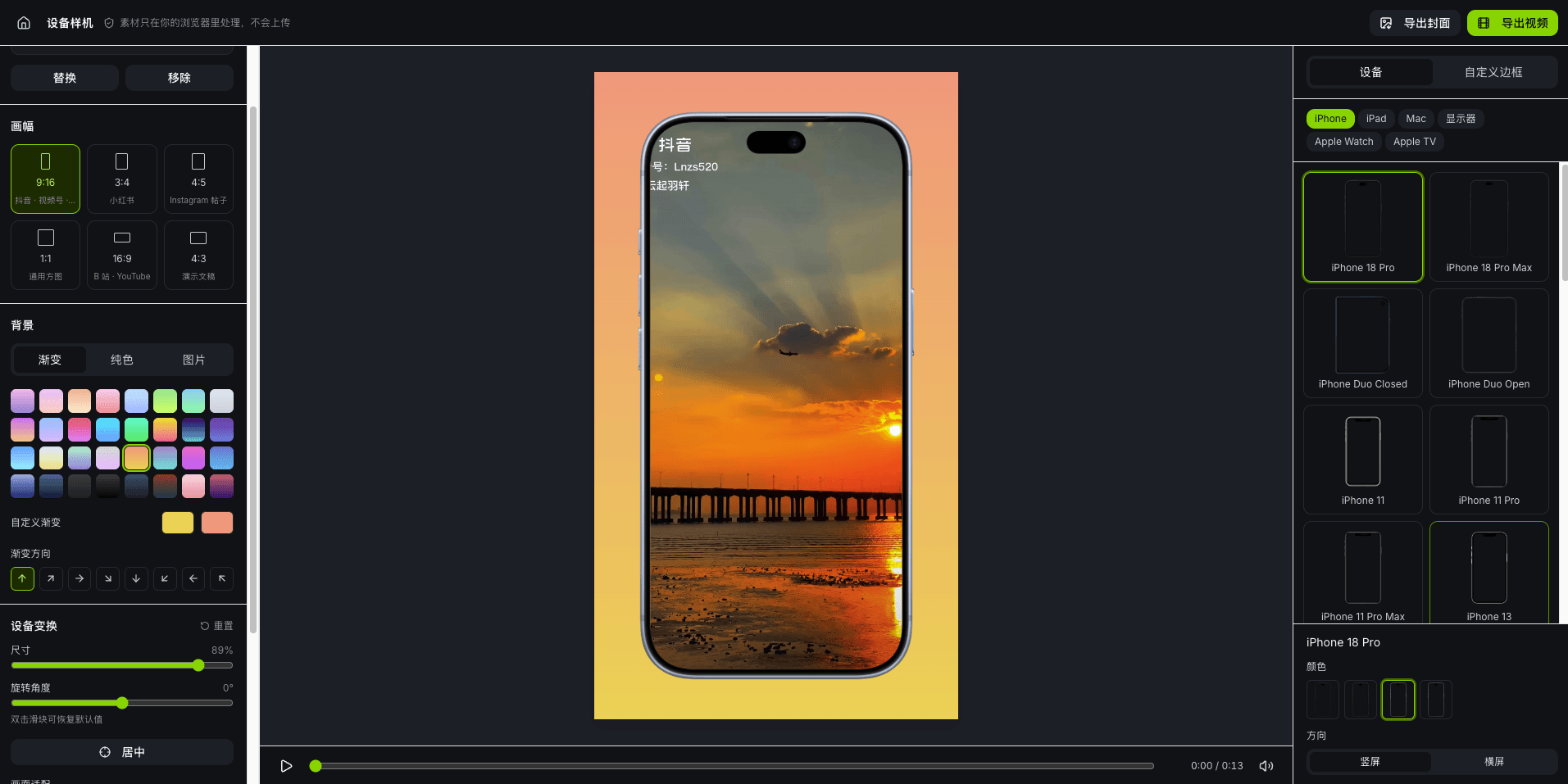
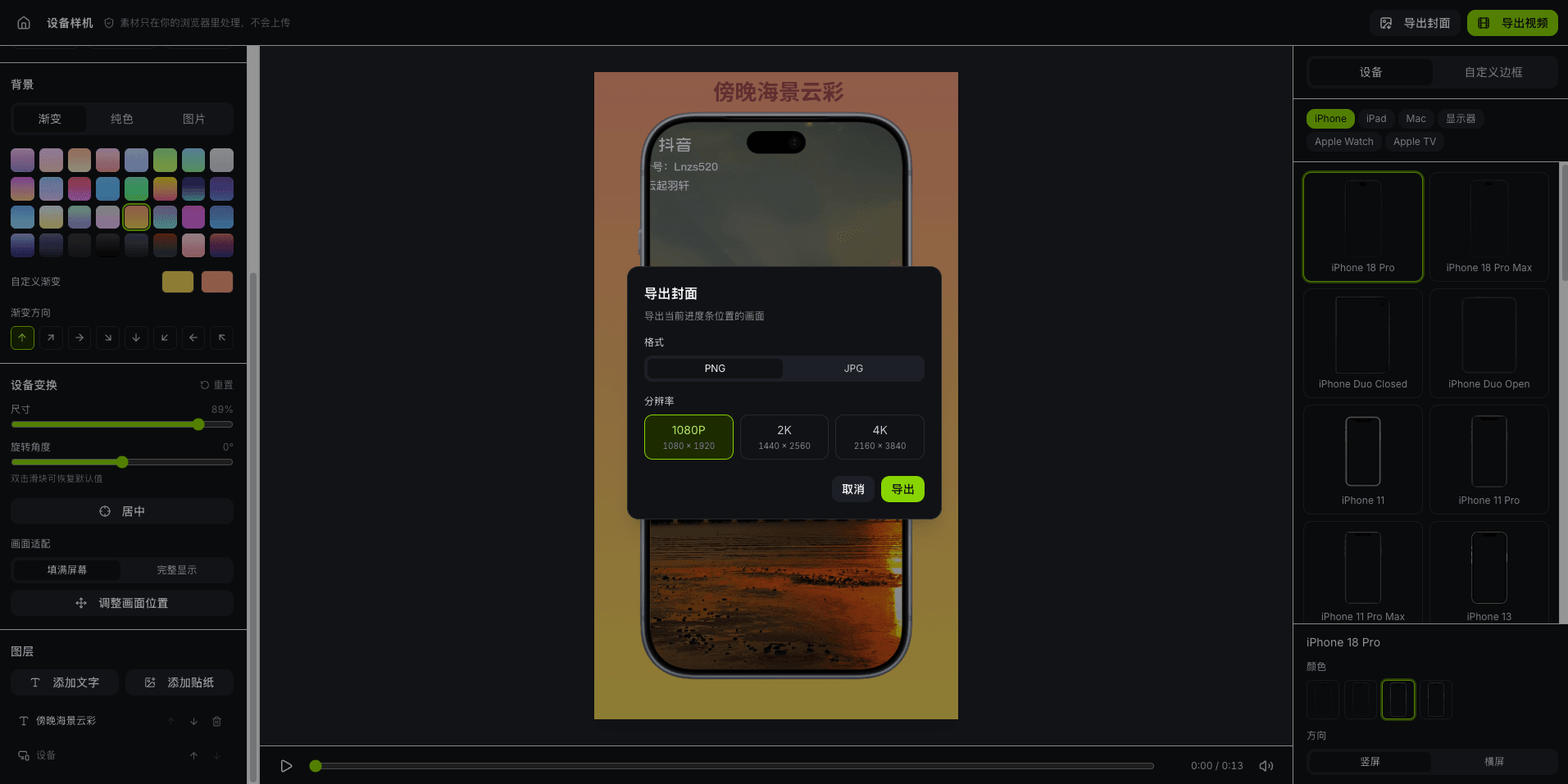
A device mockup in three steps
- 01
Upload your media
Drop in an image or a video (PNG, JPG, WebP, MP4, MOV, WebM). You can replace or remove it at any time.
- 02
Pick a device and background
Choose an iPhone, iPad, Mac or another Apple device, or use a custom frame. Backgrounds can be gradient, solid, an image or a blur.
- 03
Adjust and export
Set the device's size, angle and position, add text and stickers, then export an image, any frame as a cover, or the full video.
What you can do
Real Apple device frames
iPhone, iPad, MacBook, Studio Display, Apple Watch and Apple TV, with color options and portrait or landscape orientation.
Custom frame
A minimal frame with adjustable color, thickness and corner radius, an optional notch or Dynamic Island, and a screen that fits your media.
Common aspect ratios
9:16, 3:4, 4:5, 1:1, 16:9 and 4:3 for short videos, social posts and presentations.
Backgrounds and layers
Use a gradient, a solid color, an image or a blurred copy of your media as the background, and layer text and image stickers in any order.
No distortion
When your media and the screen have different shapes, it scales proportionally: fill the screen or show everything, never stretched.
Image and video export
Export PNG / JPG images or any frame as a cover. Videos export as MP4 at 24, 30 or 60 fps from 1080p to 4K, with the original sound if you want it.
Your files never leave your computer
Reading, compositing and exporting your images and videos all happen locally in your browser. Nothing is uploaded to a server or saved, and everything is cleared when you close or refresh the page.
FAQ
- Is the Device Mockup Generator free?
- Yes. It's free to use, doesn't use credits, and exported images and videos have no watermark. Just sign in to your Pixsolo account to get started.
- Are my images and videos uploaded?
- No. Your media is processed and exported in your browser only. It never goes through a server, isn't saved, and is cleared when you refresh the page.
- Which devices are supported?
- Apple devices: iPhone, iPad, MacBook, Studio Display, Apple Watch and Apple TV, with color options and portrait or landscape orientation. You can also use a custom frame with adjustable color, thickness and corner radius and an optional notch or Dynamic Island.
- Can I export videos, and in what format?
- Yes. Videos export as MP4 (H.264) at 24, 30 or 60 fps in 1080p, 2K or 4K, with or without the original sound. If your browser can't encode MP4, you get WebM instead. You can also export any frame as a cover image.
- What do I need, and which files work?
- Open it on a computer in the latest Chrome, Edge or Safari. Images can be PNG, JPG or WebP, and videos MP4, MOV or WebM. Some Windows computers can't read the HEVC encoding that iPhone screen recordings often use; convert those to H.264 first.
More products
- Core toolApp Screenshots MockupStore screenshots, done in four stepsSee full features
- Companion toolAI ImagesFrontier models, every parameter exposedSee full features
- Companion toolRemove BackgroundRemove backgrounds in one click, at full resolutionSee full features
- Companion toolDocument CleanerRemove patterns and shadows for clean, readable documentsSee full features
- Companion toolObject RemoverBox people and clutter, and they're goneSee full features
- Free tool3D Device MockupPut screenshots and screen recordings on a 3D phone you can rotateSee full features
- Free toolVideo to GIFTurn any clip into a looping GIFSee full features
- Free toolPhoto EditorCrop, add text and pixelate sensitive details in one placeSee full features
Put your work into an Apple device
Get startedFree to use: sign in to get started. Your files are processed in your browser and never uploaded.