 Pixsolo
App store screenshots, in the browser
App store screenshots in four steps
Upload a screenshot, drop it into a real device frame, pick a template or let AI generate the background, lay it out and export at 4K in each store's official sizes. Open a browser and go — no design background needed to produce screenshots that convert.
Nothing to download. Open a browser on Windows or Mac and start.
What Pixsolo is
Pixsolo is a browser-based app store screenshot design platform built for mobile app developers (iOS and Android), cross-platform engineers and marketing teams. It exists to fix what makes store listings tedious: fiddly screenshot design, slow layout work and store size specs that never quite agree. It ships 150+ real device frames and a large library of layouts matched to official store specs, and folds the whole path — upload a screenshot, pick a frame, pick a background, design the page — into four guided steps in the browser, with live preview throughout and batch export up to 4K. Alongside it sits an AI image tool wired to frontier models including Nano Banana Pro and GPT-5.4 Image 2, with the full set of generation parameters exposed, used for product shots, e-commerce imagery, posters and general assets. The interface ships in seven languages: Simplified Chinese, English, Japanese, Korean, German, Spanish and French.
Two tools, one account
Store screenshots are the main line; AI Images covers everything else you need to produce.
App Screenshots Mockup
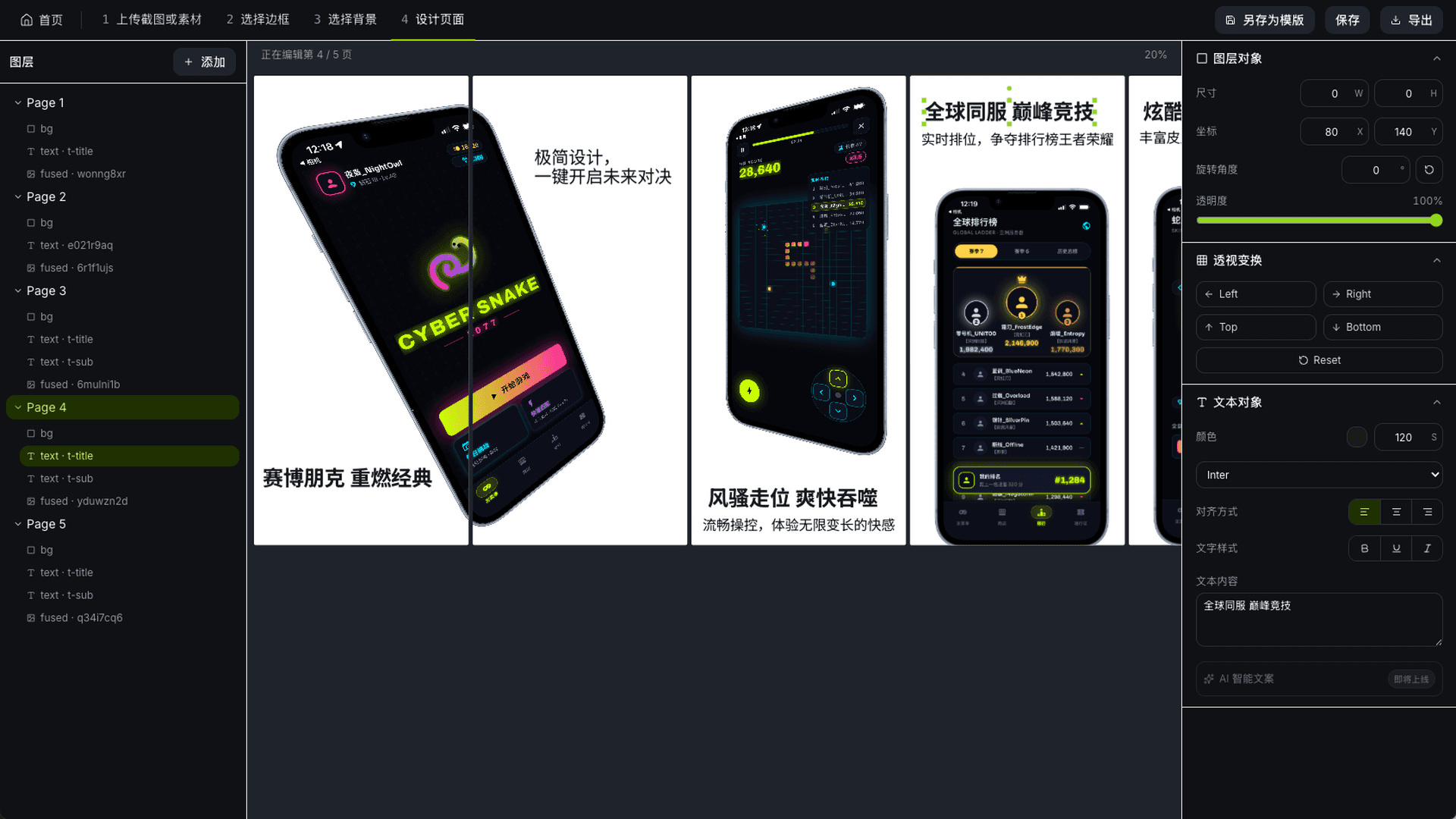
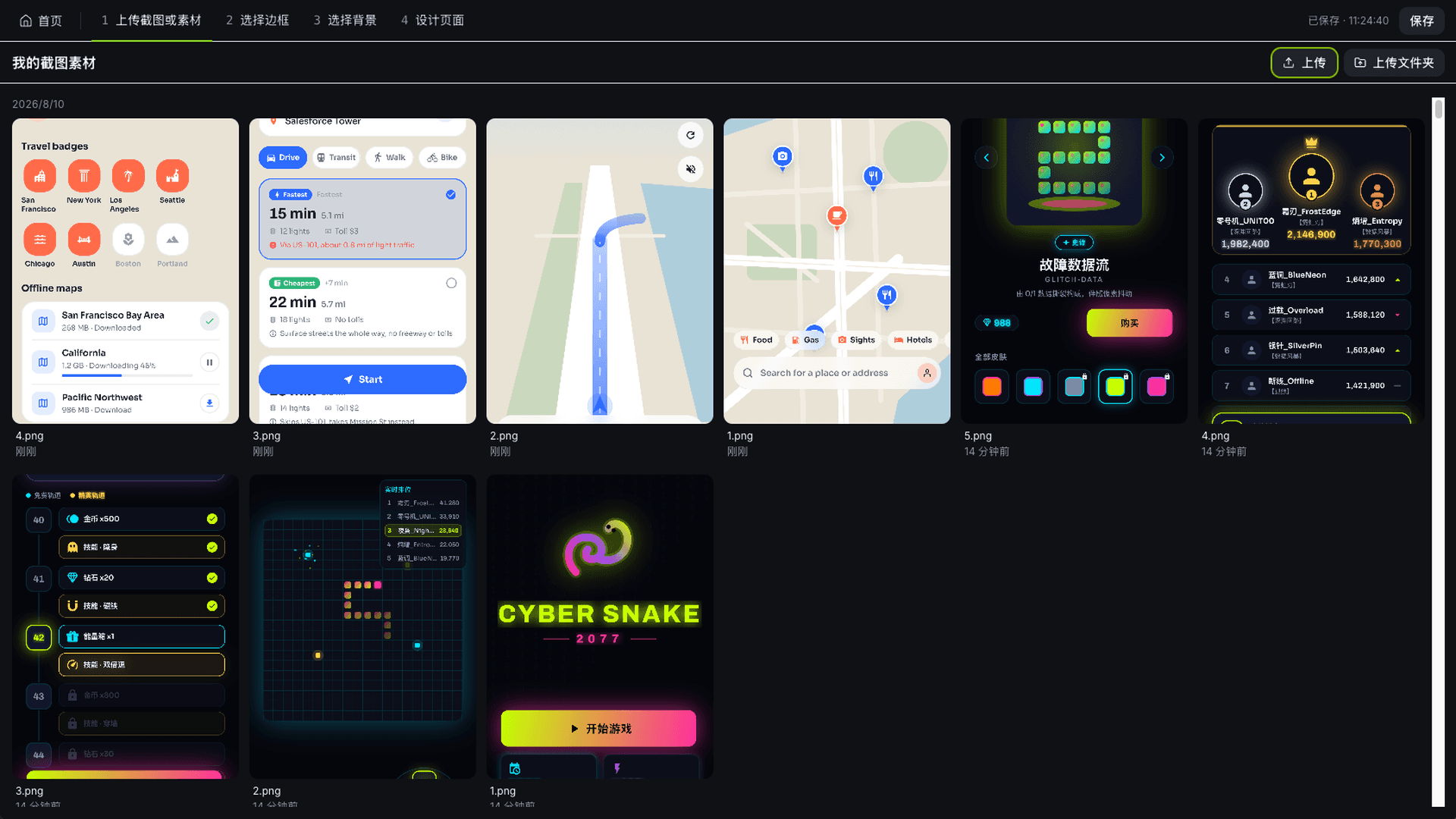
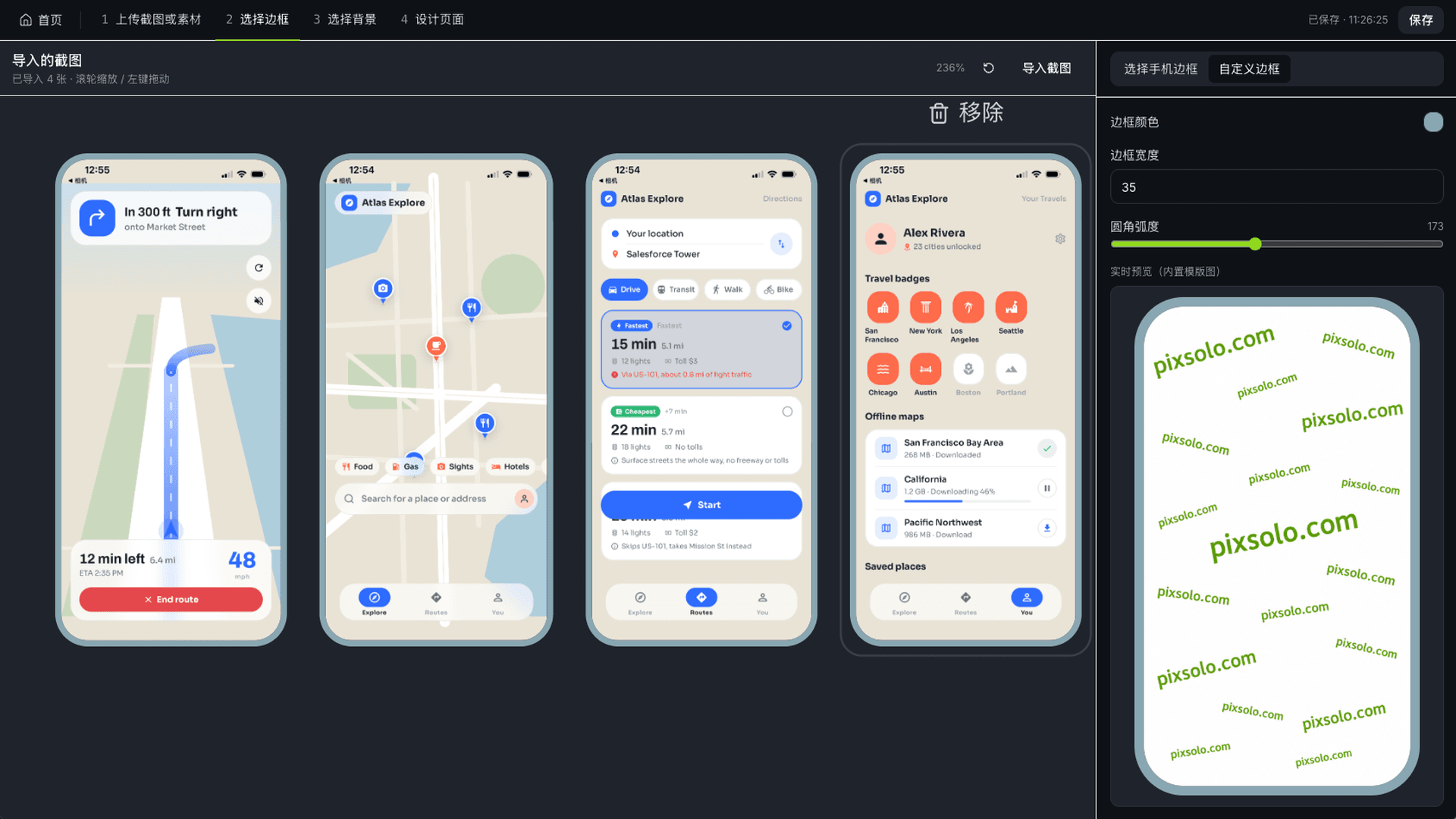
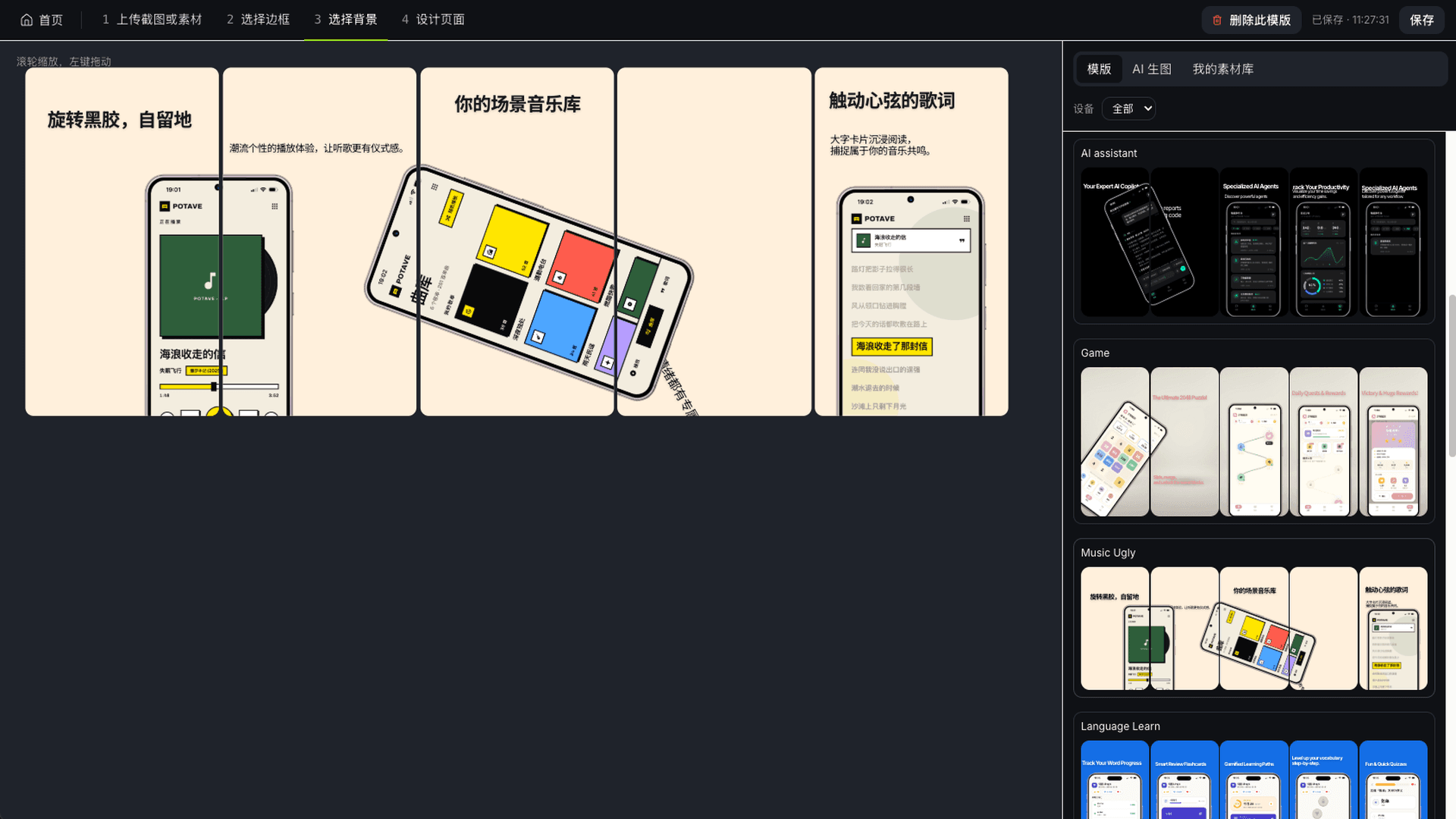
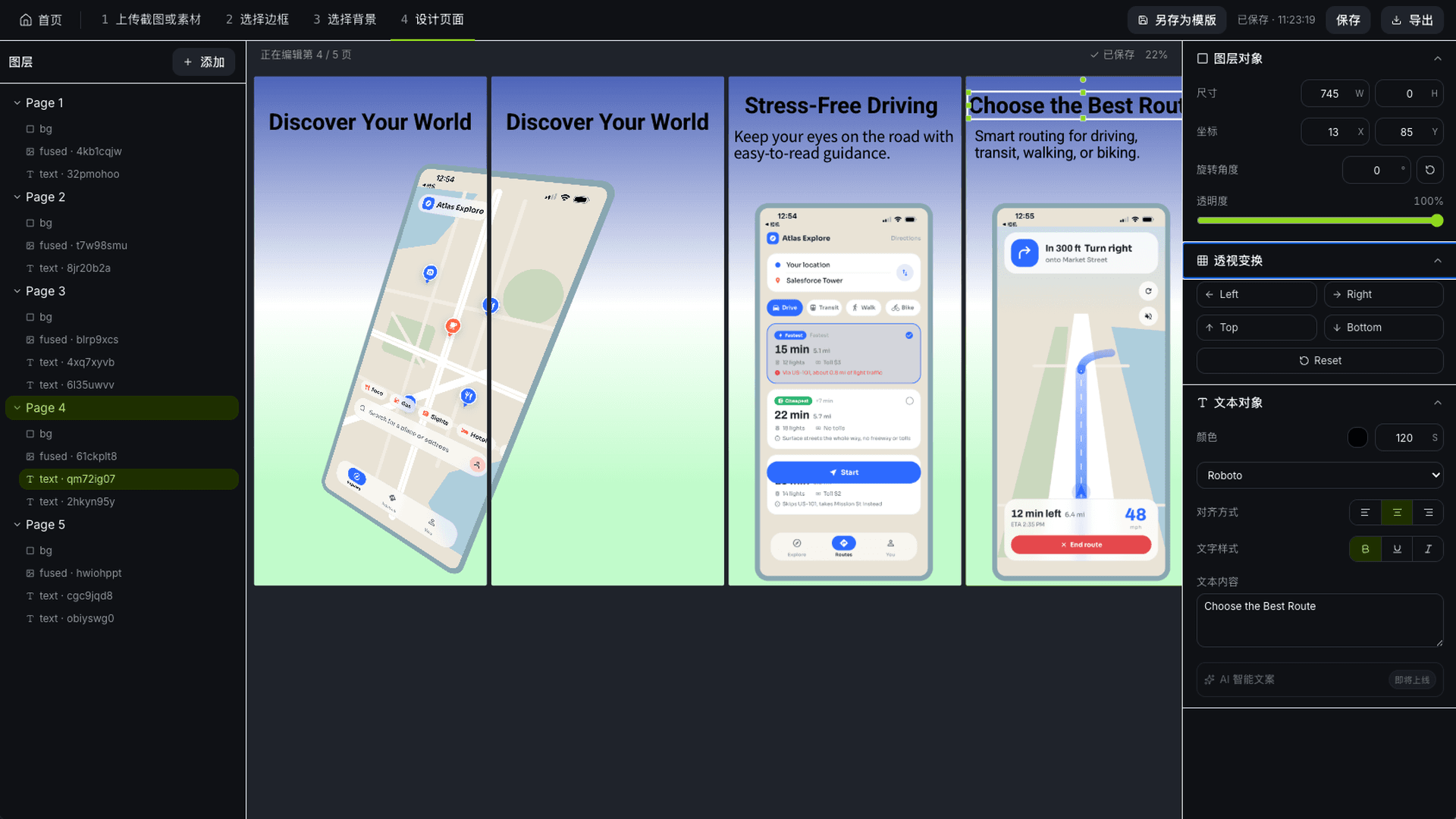
Store screenshots, done in four steps
Upload your app screenshots, get a real device frame matched from the resolution, take a background from the template library or from AI, then lay it out and export at 4K in App Store and Google Play's official sizes.
- 150+ real device frames across mainstream Apple and Android models, tablets and watches included, plus your own custom frames
- A large library of high-converting layouts matched to official store size specs, ready to build on
- Batch design and export across languages and sizes, up to 4K, with fully custom canvas and export dimensions
AI Images
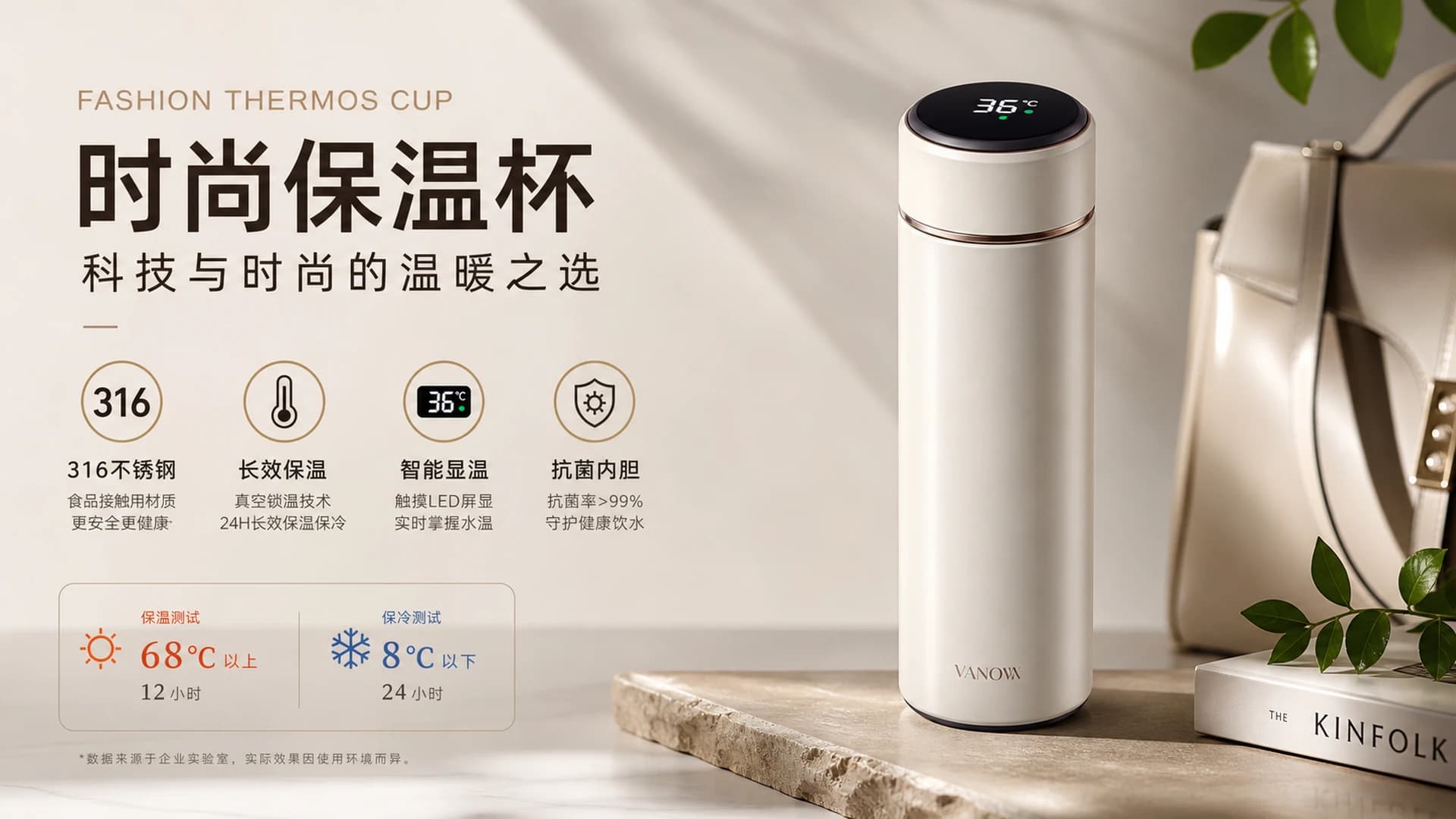
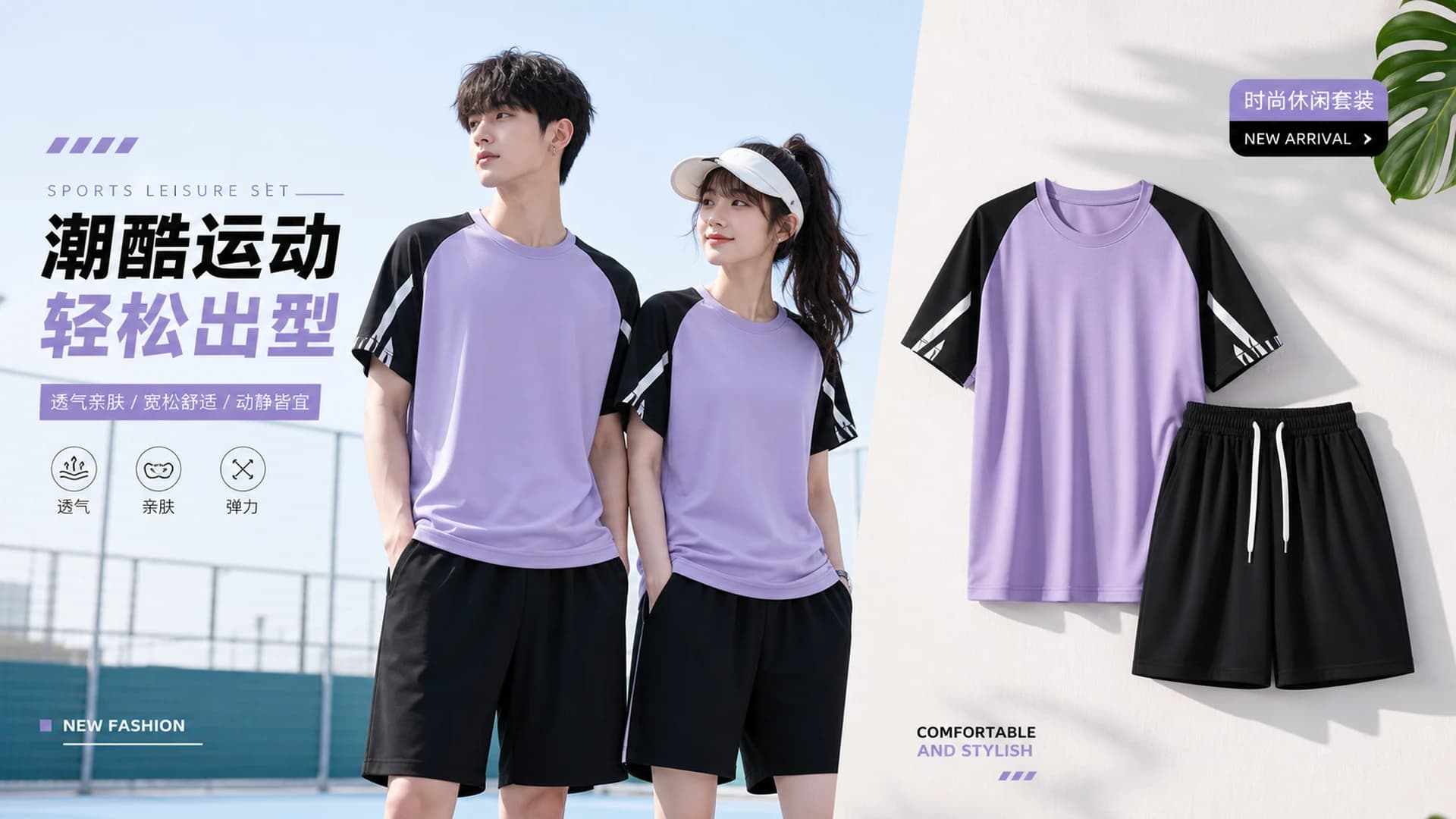
Frontier models, every parameter exposed
Deeply integrated with frontier image models including Nano Banana Pro, Nano Banana 2 and GPT-5.4 Image 2, for both text-to-image and image-to-image. Not just a single prompt box — model, aspect ratio, resolution, quality, background, image count and reference images are all yours to set.
- Frontier models like Nano Banana Pro and GPT-5.4 Image 2, text-to-image or image-to-image
- Full parameters: model / ratio / resolution / quality / background / count / multiple references
- Session-based generation — the previous result carries into the next round as a reference
Frequently asked questions
- What does Pixsolo do?
- Pixsolo is a browser-based app store screenshot design platform, used mainly by iOS and Android developers, cross-platform engineers and marketing teams to build App Store and Google Play listing screenshots: upload your app screenshots, fit them into a real device frame automatically, take a background from the template library or from AI, lay it out and export at 4K in each store's official sizes. The platform also includes an AI Images tool wired to frontier image models, used for product shots, e-commerce imagery, posters and general assets.
- Do I need to install anything? What are the requirements?
- No. Pixsolo is a native web application with no installer — open a browser on Windows or Mac and start. Projects are saved in the cloud, so you can pick up on another machine.
- Do I need to know Photoshop or Figma?
- No. The four guided steps come with live preview throughout, so no design background is needed. Frame alignment, corner radii and perspective are handled for you, and the templates are already built to official store specs.
- Which device frames are supported?
- 150+ real device frames covering mainstream Apple and Android models, tablets and watches included. The device is matched from your screenshot's resolution, you can switch models by hand, and you can upload your own custom frames.
- Can I upload the exports straight to the app stores?
- Yes. Templates and export sizes follow App Store and Google Play specs strictly, at up to 4K and exactly as you see them in the editor, with batch export across languages and sizes. If a store has a particular requirement, canvas and export dimensions are fully customisable.